Type a line. Or just talk.
Write it the way you'd say it. Evidential reads the date, the length, the priority and the list out of it. Or hold the mic and ramble, and it turns the ramble into tasks on your phone.
Evidential is a planner that tells you when your day doesn't fit, and keeps a record of what you actually got done. No streaks. No points. No guilt.
For Apple devices. Not on the App Store yet.
What a real day needs
Most to-do apps will let you put eleven hours on a Tuesday and say nothing. So you miss it, feel bad, and start over on Monday. The list never told you it couldn't fit.
Evidential says it at 9am. Not at 9pm.
Switch tasks on and watch your day fill up. This is the real idea, running right here.
A simplified version of the planner in the Calendar tab. The real one also reads your calendar, so meetings and appointments are laid out first, and it counts your energy levels.
Three habits. The app does the maths and keeps the receipts. You keep the decisions.
Write it the way you'd say it. Evidential reads the date, the length, the priority and the list out of it. Or hold the mic and ramble, and it turns the ramble into tasks on your phone.
Give tasks a length. The Calendar tab lays them on the clock around your meetings and says plainly whether the day fits. What doesn't fit waits in Unplanned.
It tracks how long things actually took and when you actually finish them. The numbers are yours. There is no score to beat.
Keeps a task out of Today until you can actually do it.
The date it must be done by. Separate from the day you plan to do it.
A part of your day: Morning, Afternoon, Evening, Downtime. Yours to rename.
What you looked at and chose to rule out. It comes back tomorrow on its own.
Plus everything you'd expect: lists, boards, filters, reminders, repeats. Here are the parts worth a look.
Give it a start date and it stays out of Today until you can actually begin. No more staring at things you can't touch yet.
Move your plan around all you like. The deadline stays put, and the app warns you when your plan stops meeting it.
The planner lays tasks on the clock and says whether they fit. A plain list will happily let you add another hour and stay quiet.
Tag a task as demanding, quick or in between. Evidential puts the heavy ones in your peak hours. Stats then shows when you really finish things, so you can check your peak is where you think it is.
Blocked work is greyed out and left out of the plan. Finish the first thing and it tells you what you just unblocked.
Morning, Afternoon, Evening, Downtime. Rename them, move their hours, add your own. Stretch every day ~Morning is a routine.
every monday until 20 dec. every week for 6 times. And every! counts from when you did it, so one missed week doesn't push everything back.
Type what you mean and get exactly that list. Save it and it sits in your sidebar.
Drop a task on a day to schedule it, on a list to file it, on a band to pin it to a part of the day, or on Not doing today to rule it out. Same gesture on iPhone, iPad and Mac.
Overdue pile? Evidential spreads it across the coming days inside your daily capacity, instead of dumping it all on today.
Track time, and Stats compares your guesses with what happened.
Overdue, blocked, undated, waiting on, deadlines closing, lists nobody touched. Each one comes with the decision it's asking for.
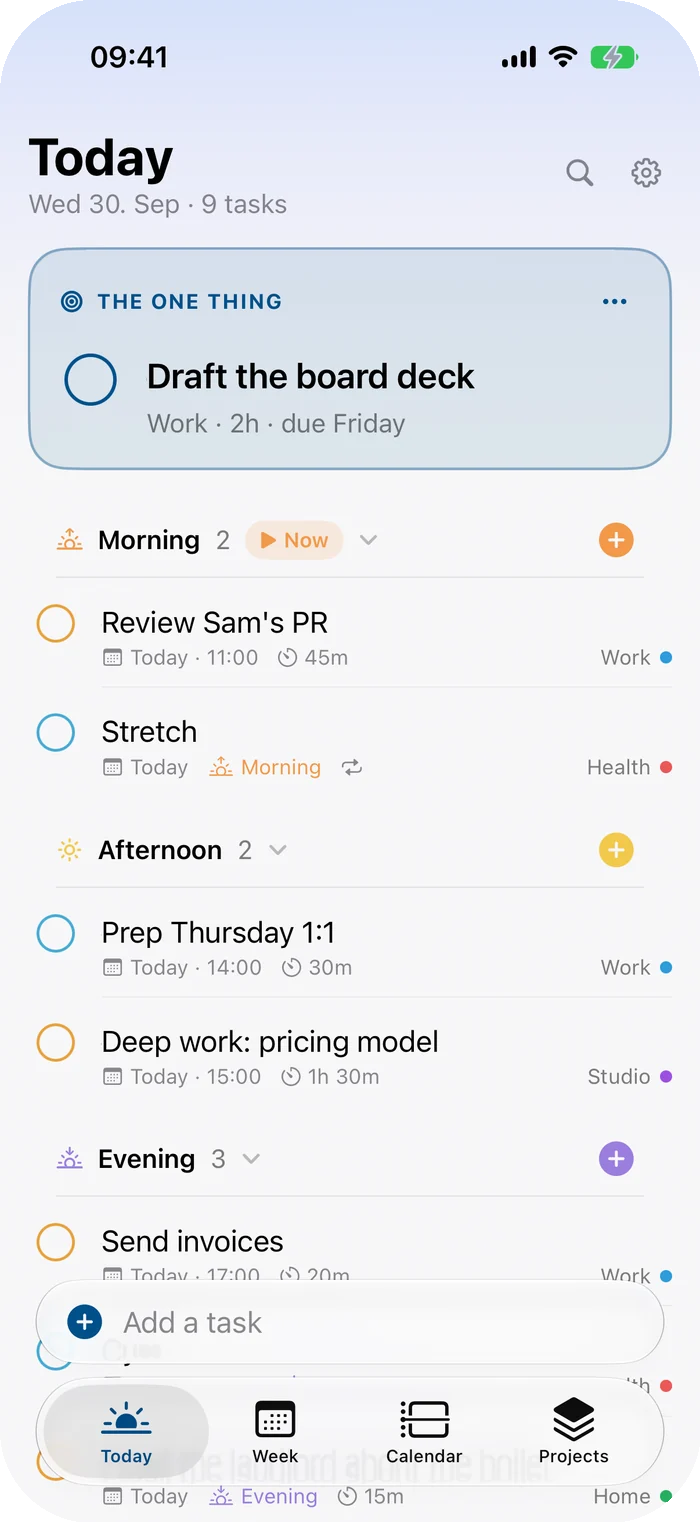
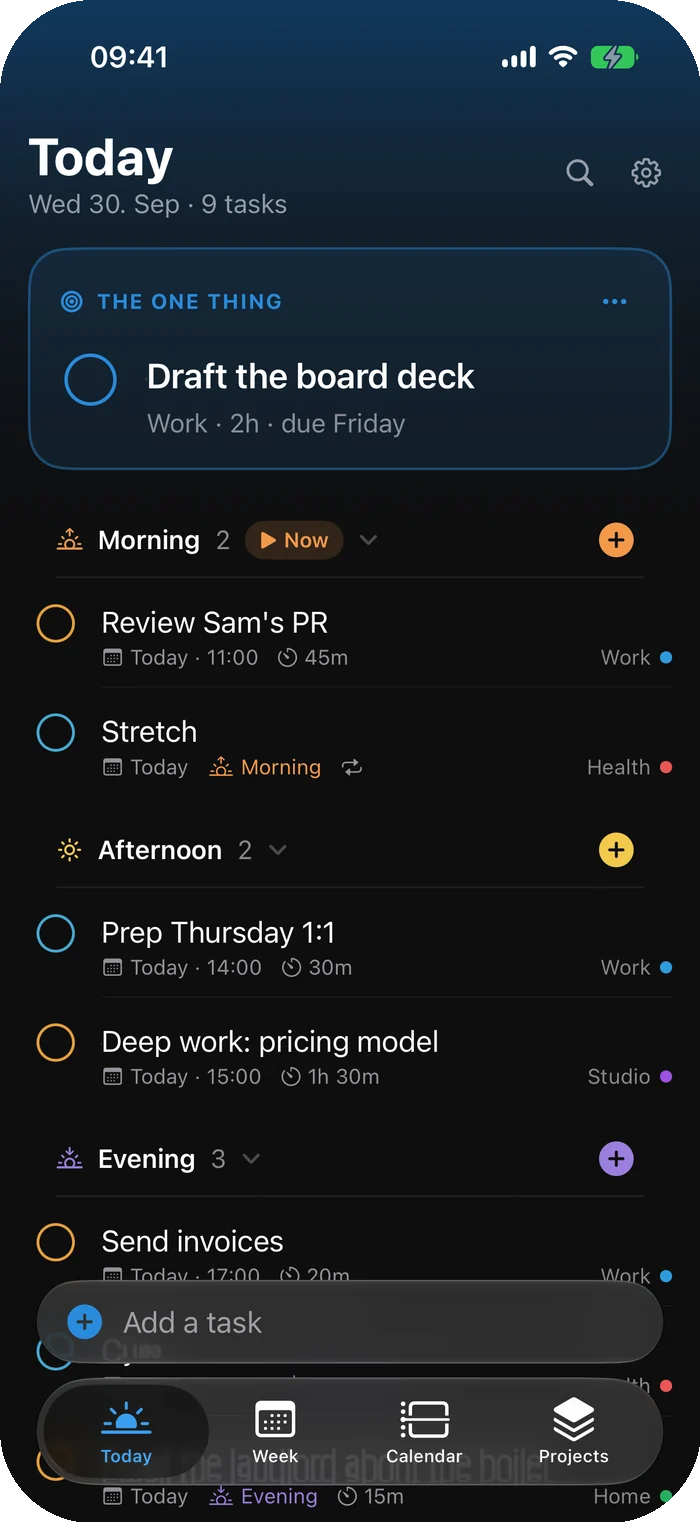
Four tabs: Today, Week, Calendar and Projects. The add bar rises above the keyboard with chips for date, priority and list, so you never have to remember the syntax.
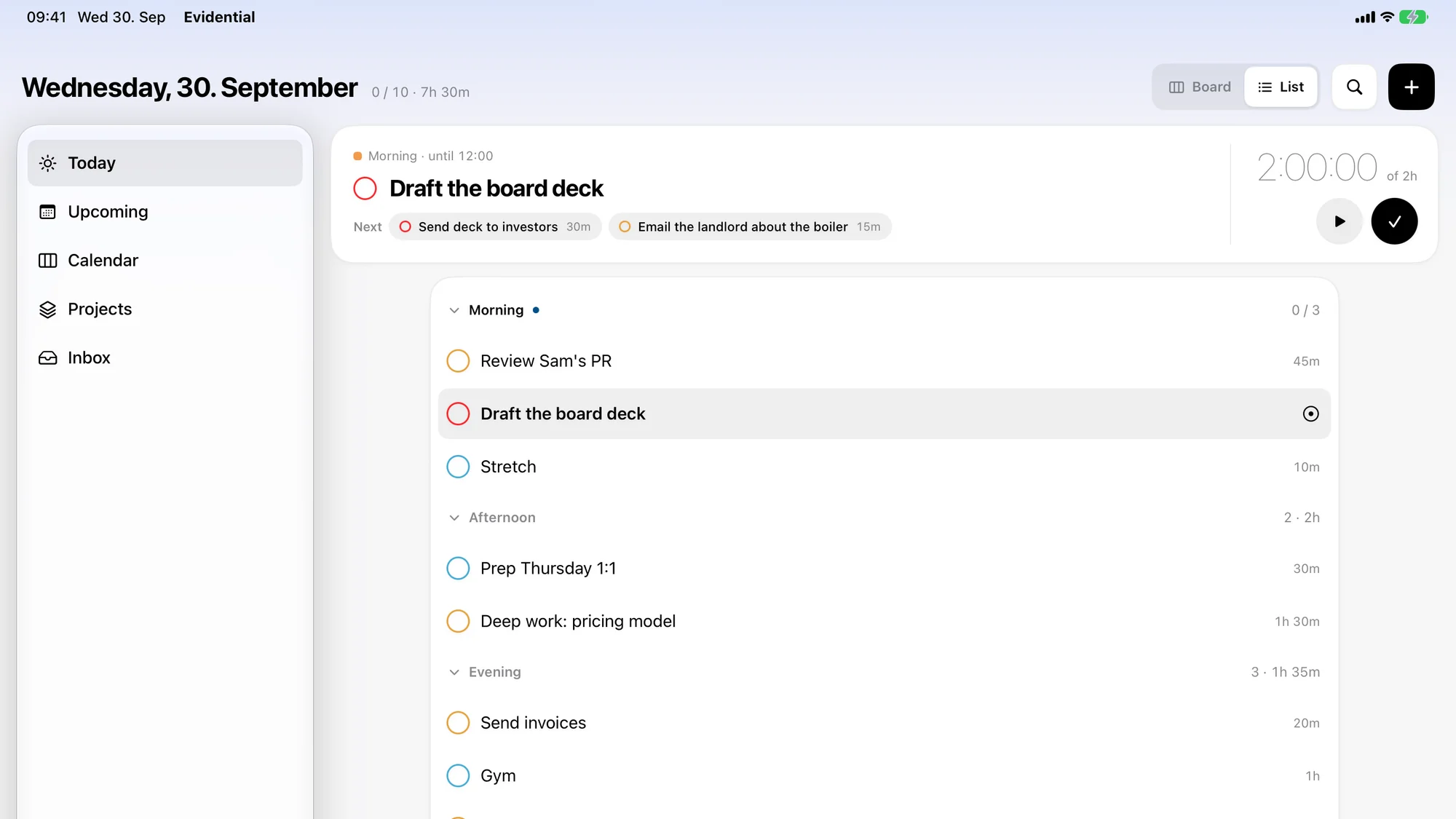
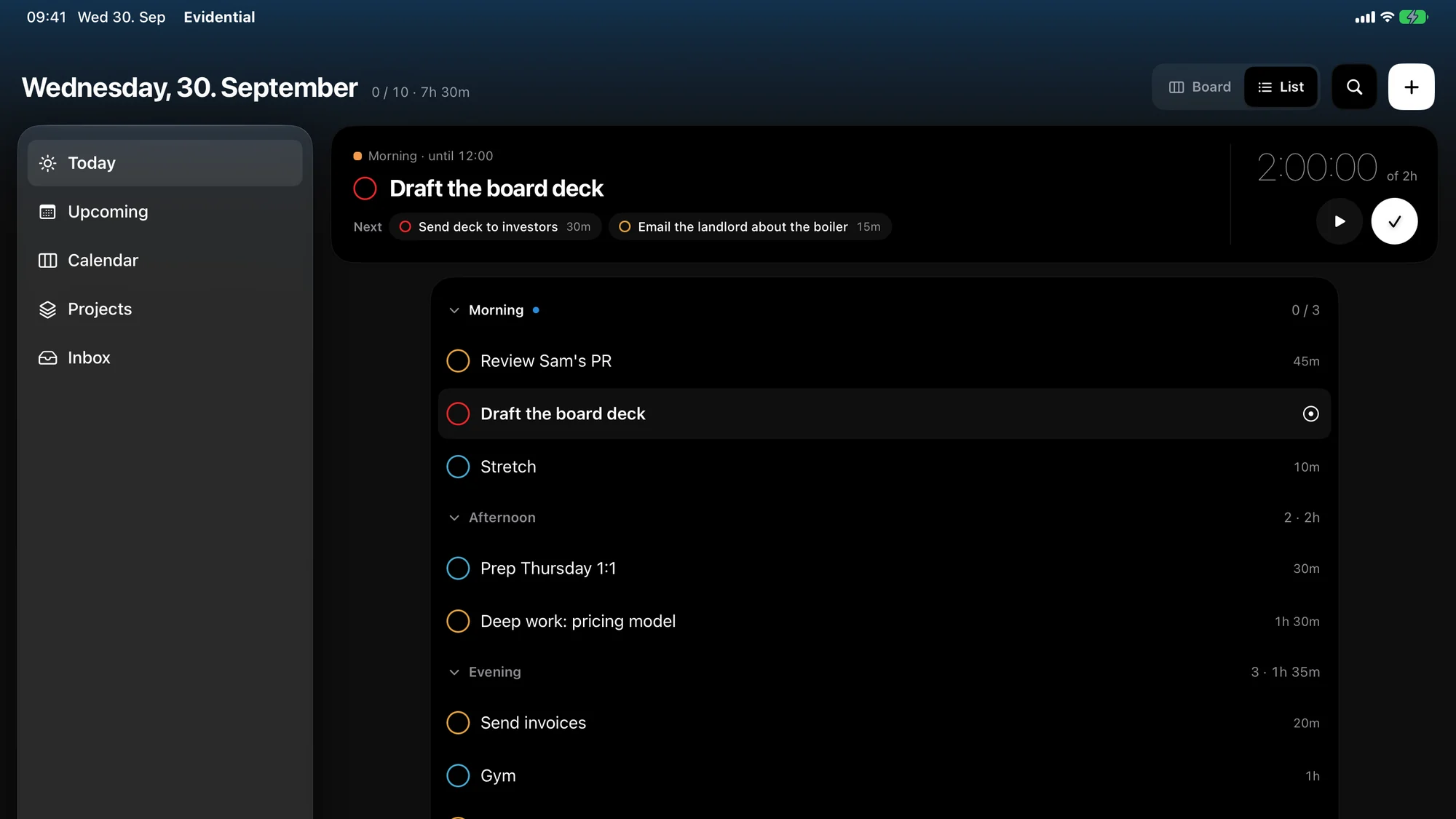
A floating sidebar and a wide Today: the one thing with its own timer, then your whole day as a board or a list. In Calendar, drag a to-do from the Unplanned tray into a block.
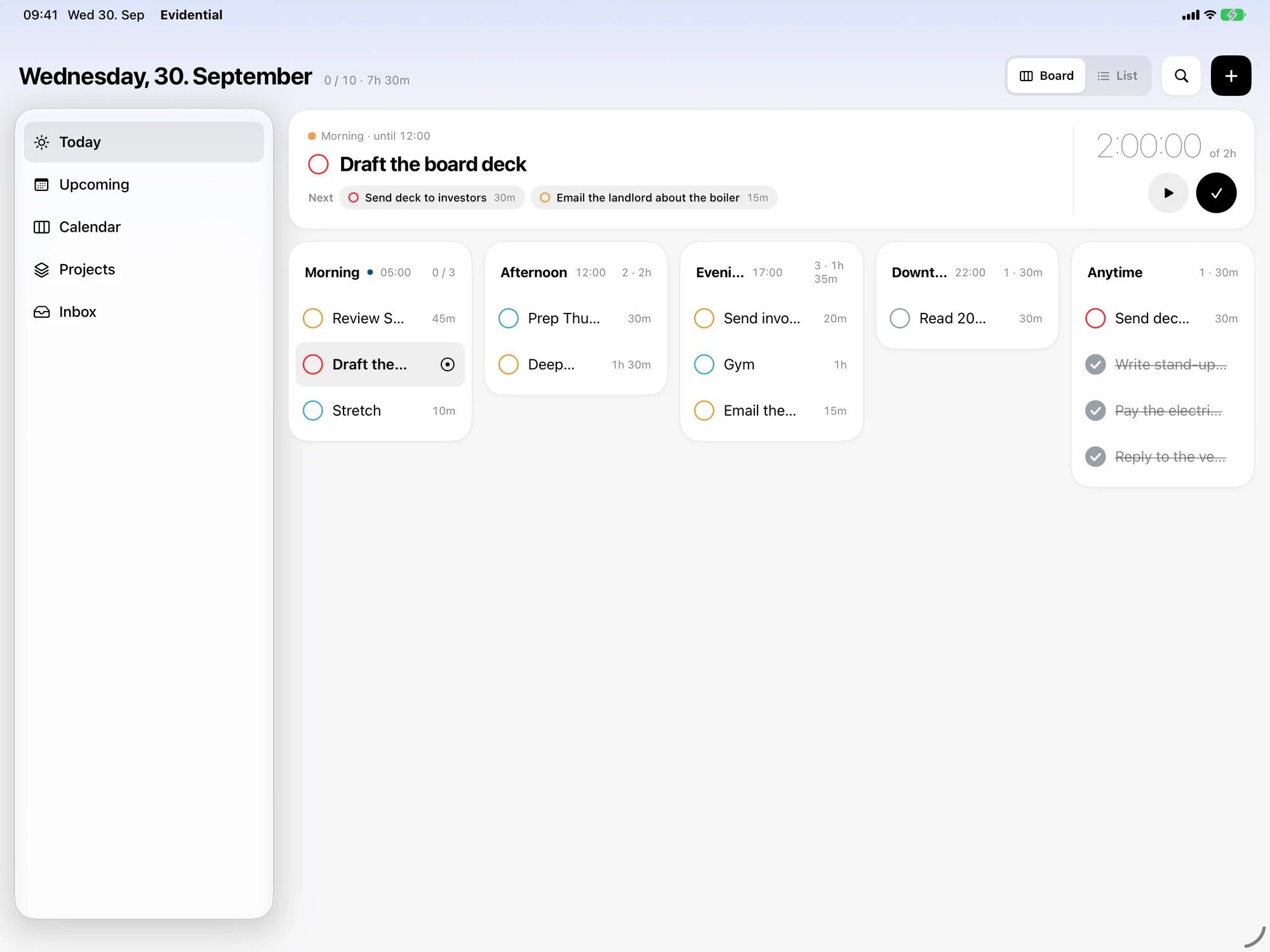
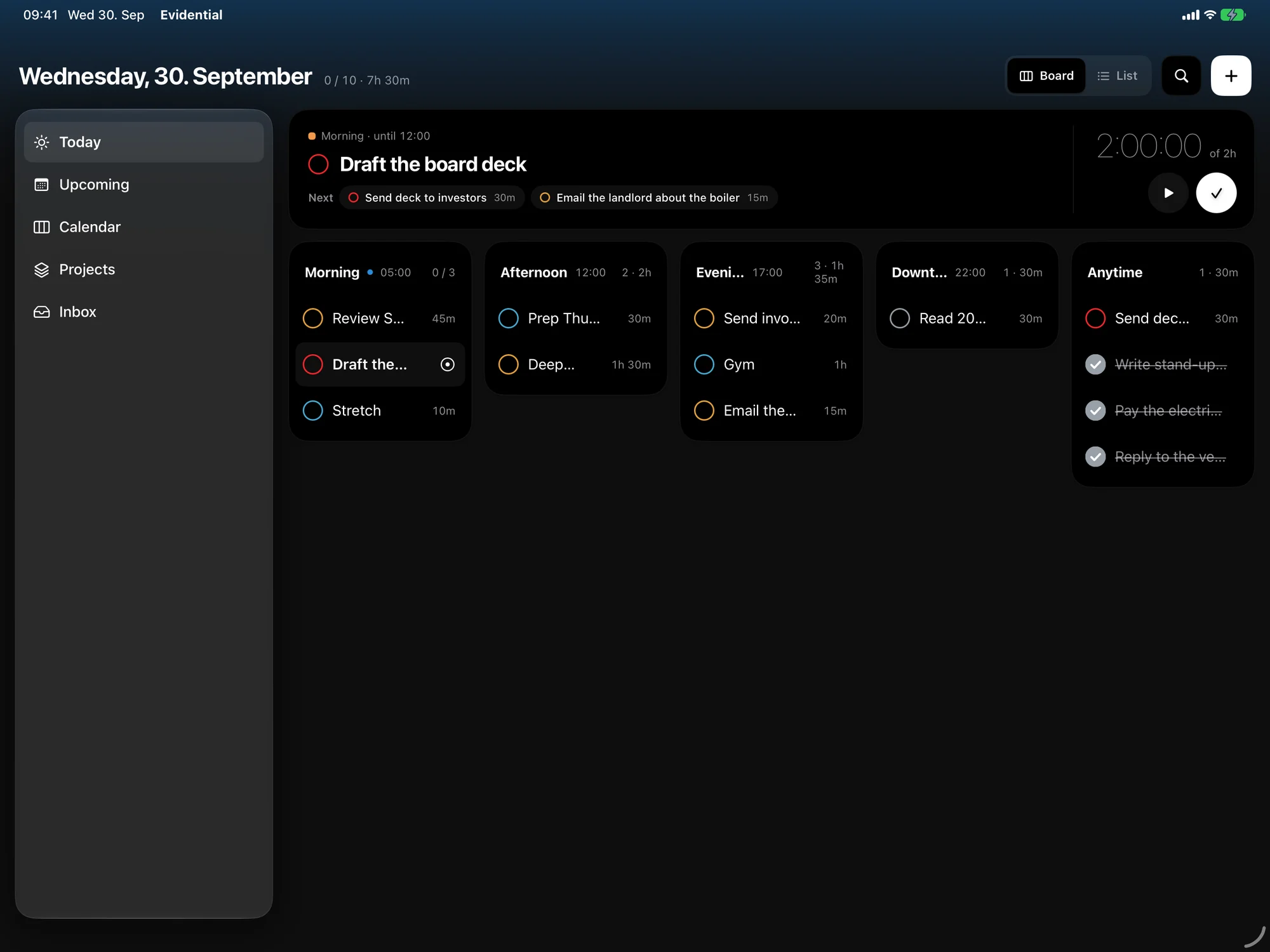
A sidebar that is the window. Press ⌘K for the command palette, ⌘N for a new task, and ⌘1 to ⌘6 to jump between screens.
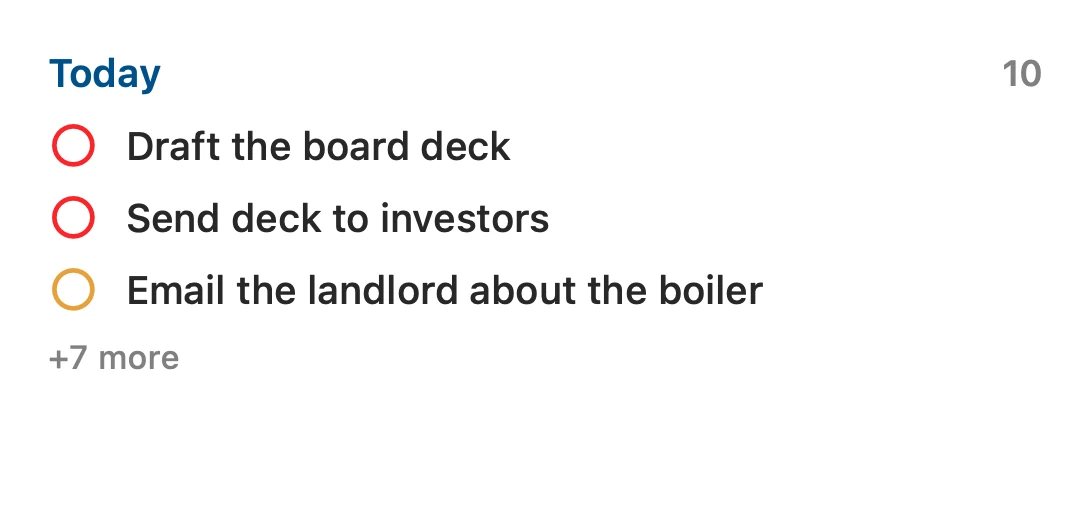
Today, your plan and what's coming up. Complete a task with a tap. Dictate a new one, through the same parser as the phone.
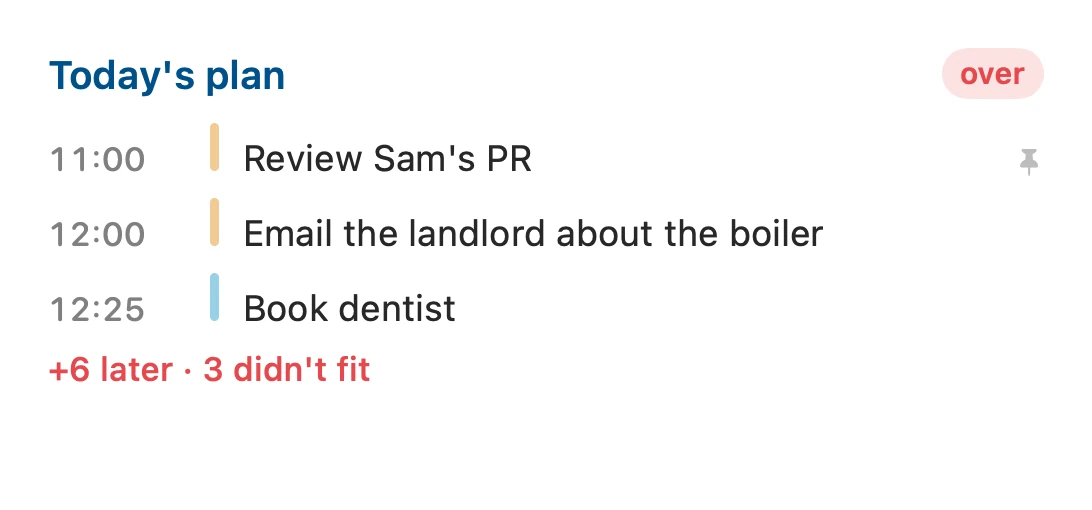
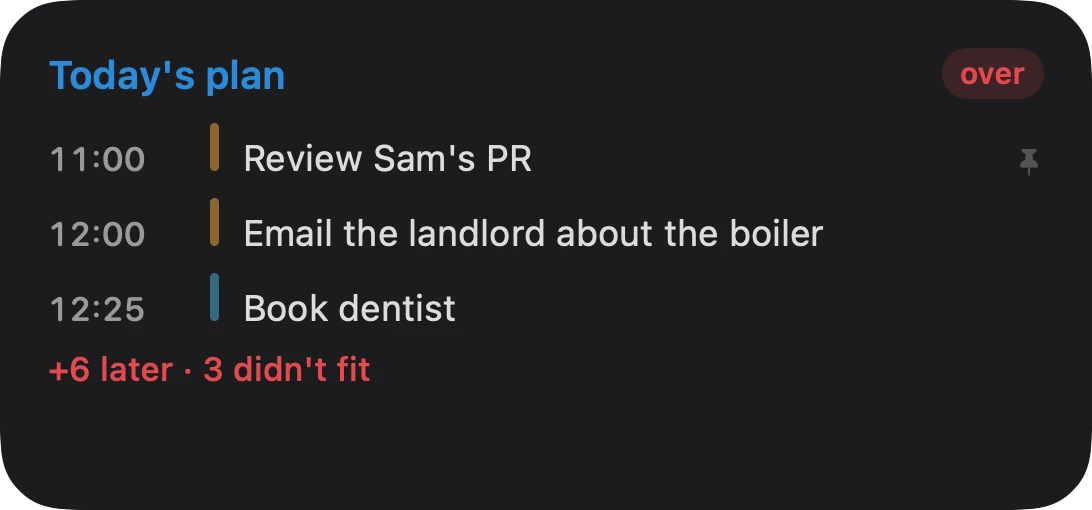
A task list and a plan widget for iPhone, the Mac desktop and the Watch. They read the same store as the app, so they never disagree with it.
Streaks reward showing up for the streak. Points reward doing more. Neither tells you whether you're moving toward the things you said you want. Evidential has neither, and won't.
How long things really take against your guess. When in the day you actually finish them. What you keep pushing back.
Name up to four things you're working toward. Every task and time block counts toward one of them, or counts as upkeep.
Once a week, your own evidence retold as who you're becoming. A bad fortnight is a dip, never a reset.
There's no chatbot inside Evidential. It speaks MCP instead, so the assistant you already use can read your list and help.
Your list is one file on your own devices. If you switch on iCloud sync, it goes to your private iCloud and nowhere else.
Use it on one device forever if you like. That's a real, supported choice.
Evidential makes no network request of its own, apart from iCloud sync if you turn it on.
The one model in the app runs on your device and turns a ramble into tasks.
No lock-in puzzle. Tasks, lists, filters and settings, in one place you own.
Four kinds of tool do part of this job. None of them does all of it.
| Evidential | To-do appsTodoist, Things and friends | Calendar plannerstime-blocking tools | Habit appsstreaks and scores | |
|---|---|---|---|---|
| Tells you the day doesn't fitbefore you find out the hard way | ||||
| Deadline kept apart from the plan date | ||||
| Start dates that hide what you can't do yet | ||||
| Tasks that wait on other tasks | ||||
| Parts of the day as real routines | ||||
| Type a whole task in one line | ||||
| Works with your own AI, with your say-so | ||||
| No account, no server | ||||
| No streaks, no points, no guilt |
Categories, not product-by-product claims. Check the tool you use before you take our word for it.
Plain status, so nothing on this page is a promise dressed up as a feature.
Early access is open to anyone who'll tell Adrian what's wrong with it.